Audio summarize
Audio summarize feature uses AWS Transcribe. It requires the following env variables and IAM permissions.
AWS_REGION
AWS_REGION=[region]
AWS_ACCESS_KEY
AWS_ACCESS_KEY=[AWS ACCESS KEY ID]
AWS_SECRET_ACCESS_KEY
AWS_SECRET_ACCESS_KEY=[AWS SECRET KEY]
AWS_S3_BUCKET_NAME
S3 bucket is used to save the transcription results of the audio file
AWS_S3_BUCKET_NAME=[bucket name]
IAM permission
IAM user of the above keys should have the following permission
{
    "Version": "2012-10-17",
    "Statement": [
        {
            "Effect": "Allow",
            "Action": [
                "transcribe:*"
            ],
            "Resource": "*"
        },
        {
            "Effect": "Allow",
            "Action": [
                "s3:GetObject"
            ],
            "Resource": [
                "arn:aws:s3:::*transcribe*"
            ]
        }
    ]
}
Additionally, depending on the model selected from the below screenshot, the dependant env variable is required.
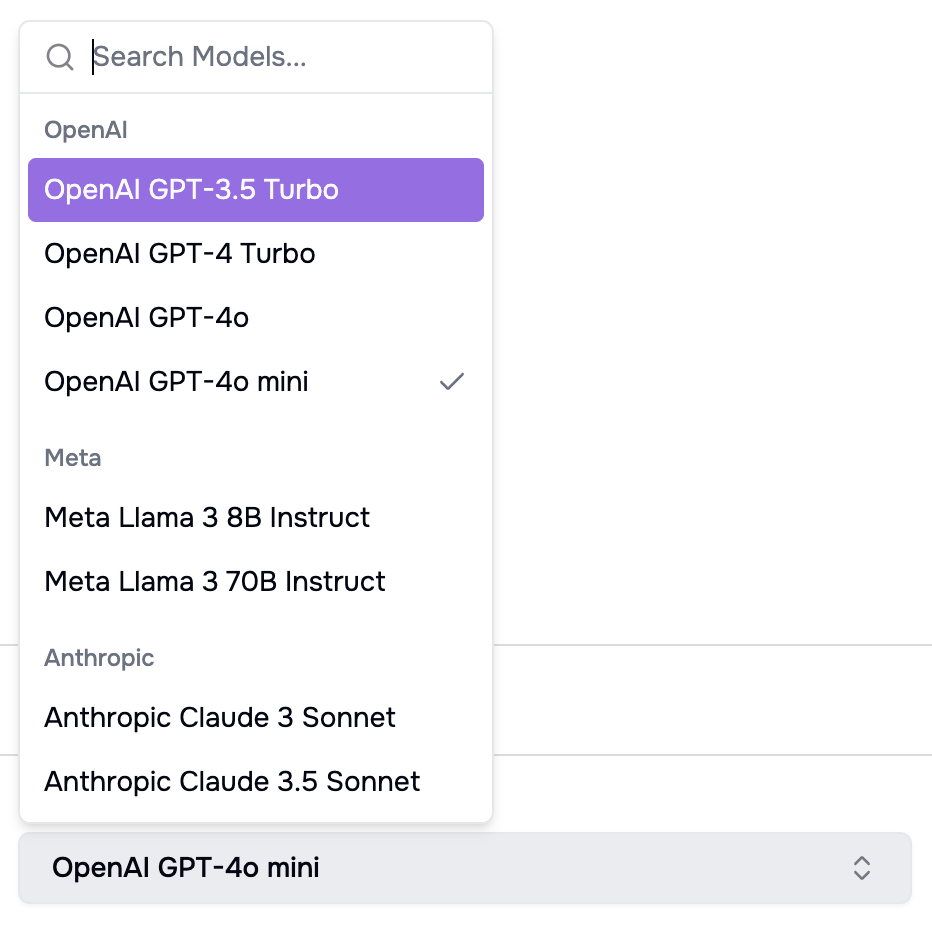
OpenAI models
When selecting OpenAI models, please ensure you have the OPEN AI env variables configured. You can find the details in section : OpenAI Setup
Meta & Anthropic models
Meta & Anthropic models are configured in AWS Bedrock, please ensure you have the AWS env variables configured. You can find the details in section : AWS Setup
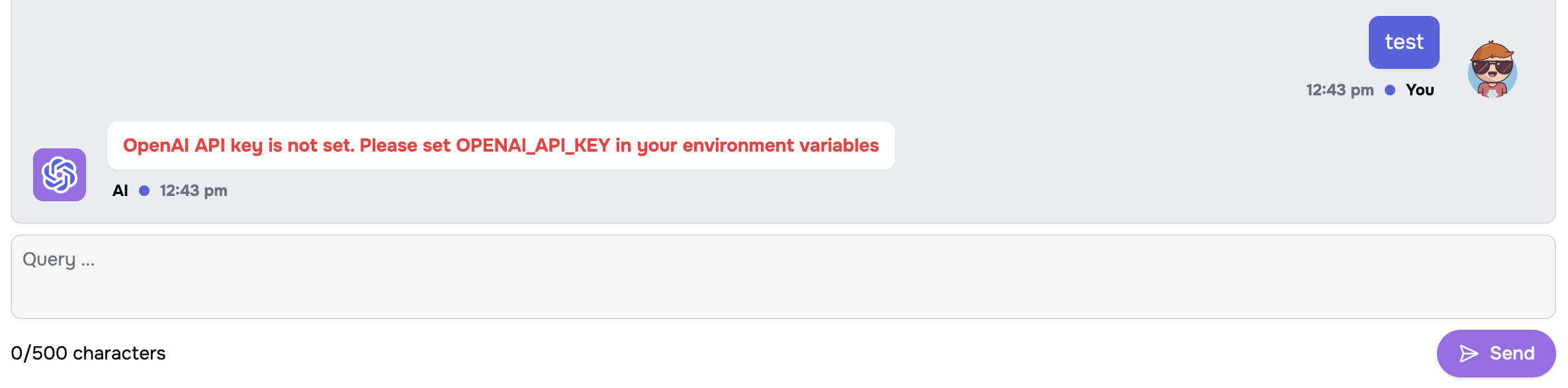
Dependant env variable value missing error
When a depandant env variable is not present, you will see an error similar to below.
eg: If a OpenAI model was used and OPENAI_API_KEY is missing,